Gallery Overview and Image Guidelines #
The Gallery is where you manage images used across your PostReminder campaigns, including landing pages, alerts, and reminders.
It provides a centralized place to upload, organize, edit, and reuse images across campaigns.
Accessing the Gallery #
To access the Gallery:
- Click Gallery in the left-hand navigation
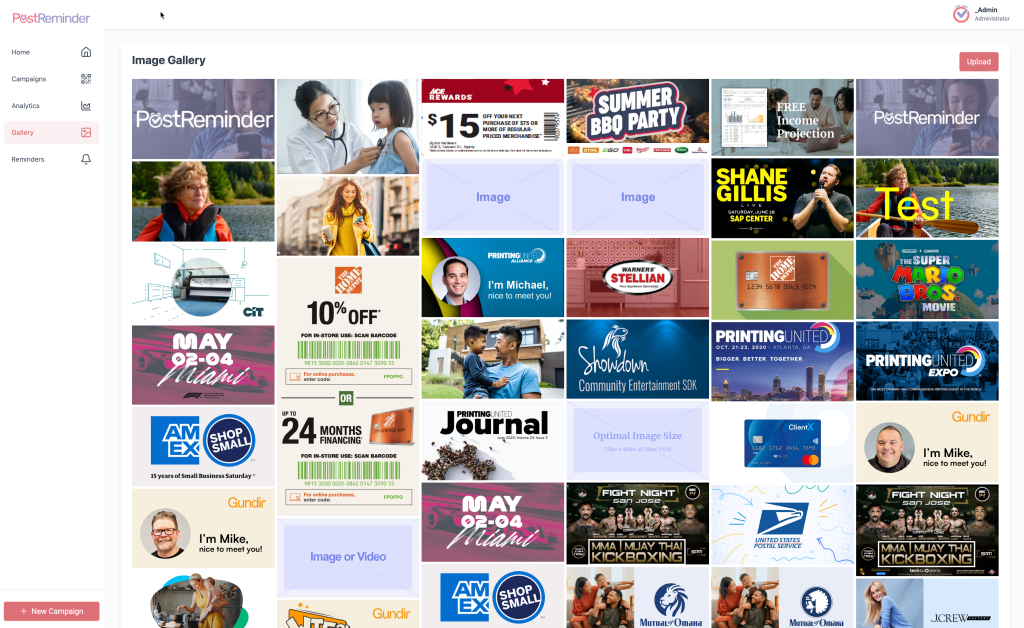
- The Image Gallery will display all images available in your account
Images in the Gallery can be used in:
- Landing pages
- Cmapign Alerts
Image Gallery Overview #
The Image Gallery displays all uploaded images in a grid layout for easy browsing.
From this view, you can:
- Scroll through existing images
- Select an image for use in a campaign
- Upload new images
- Open images for editing or cropping
Images are reusable across multiple campaigns.
Uploading Images #
To upload a new image:
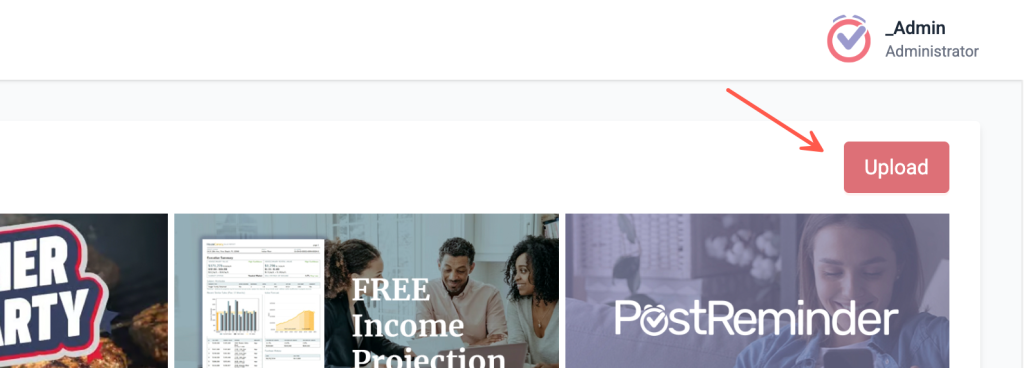
- Click the Upload button in the top-right corner
- Select an image file from your device
- The image will be added to the Gallery and available immediately
Once uploaded, images can be edited, cropped, or downloaded.
Editing and Cropping Images #
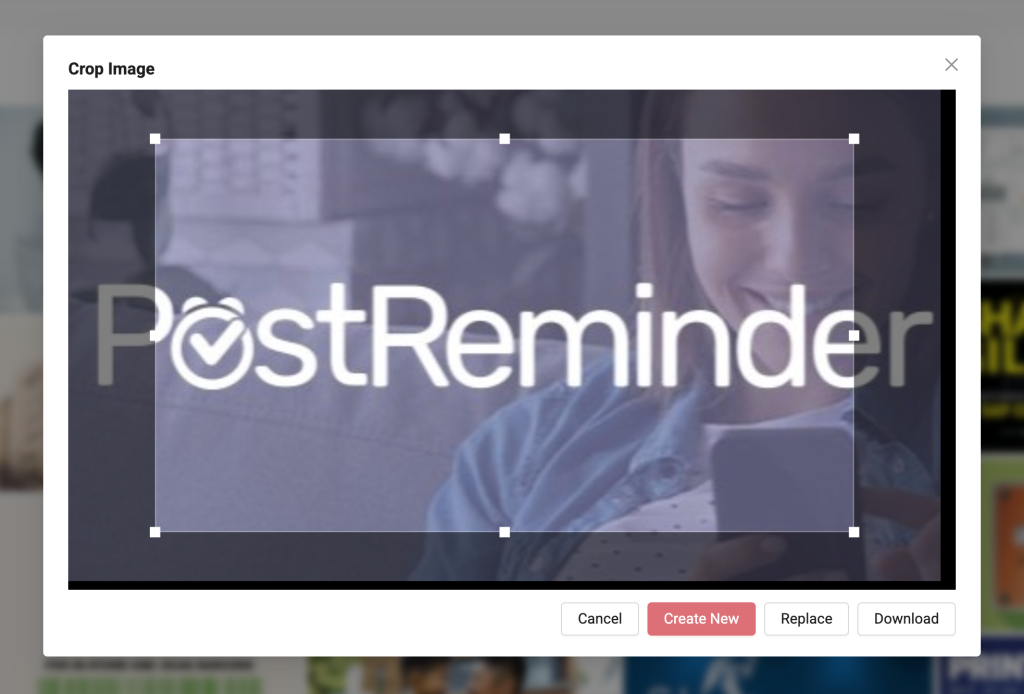
When you select an image from the Gallery, you can open the Crop Image editor.
The Crop Image editor allows you to:
- Adjust the visible area of the image
- Resize and reposition the crop selection
- Optimize the image for PostReminder layouts
Crop Image Actions #
After adjusting the crop, you can choose from the following options:
- Create New Saves the cropped version as a new image in the Gallery while preserving the original image
- Replace Replaces the original image with the cropped version
- Download Downloads the cropped image to your device
- Cancel Exits the editor without saving changes
This flexibility allows you to maintain multiple versions of the same image for different use cases.
Image Guidelines & Best Practices #
For best results:
- Use clear, high-quality images
- Avoid placing critical text near image edges
- Use consistent branding across images
- Preview images in mobile view before launching
Optimized images improve engagement and ensure a consistent user experience across devices.
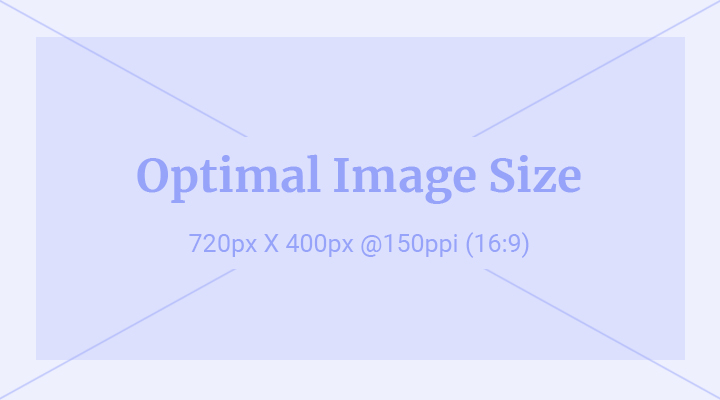
Optimal Image Size #
To ensure your image displays correctly across devices:
- Dimensions: 720px × 400px
- Resolution: 150 PPI
- Aspect Ratio: 16:9
- This applies to header images, SMS visuals, and landing page banners
Shown in the sample image: